flowchart TB
  subgraph Sound
    M["Synthesizer: the whole track at startup"] --> A["AudioQueue: speakers"]
  end
  subgraph Picture
    T["timeline(t): scenes, camera"] --> P["Params: 8 numbers per frame"]
    P --> S["Fragment shader: the nebula"] --> W["macOS window"]
  end
  A -->|"the audio clock gives t"| T
  M -->|"beat(t): kick drum hits"| P
The demoscene in 2026: why write a 64k intro in Rust on macOS
Part 1. The phenomenon, the rules of the game, and an empty window
Demoscene
Rust
macOS
What the demoscene is, why the genre of whole worlds built from formulas in 64 kilobytes is still alive, and the first step of the star_fabric 64K project: a macOS window and a timeline that is a function of time.
NoteAbout the Demoscene 2026 series
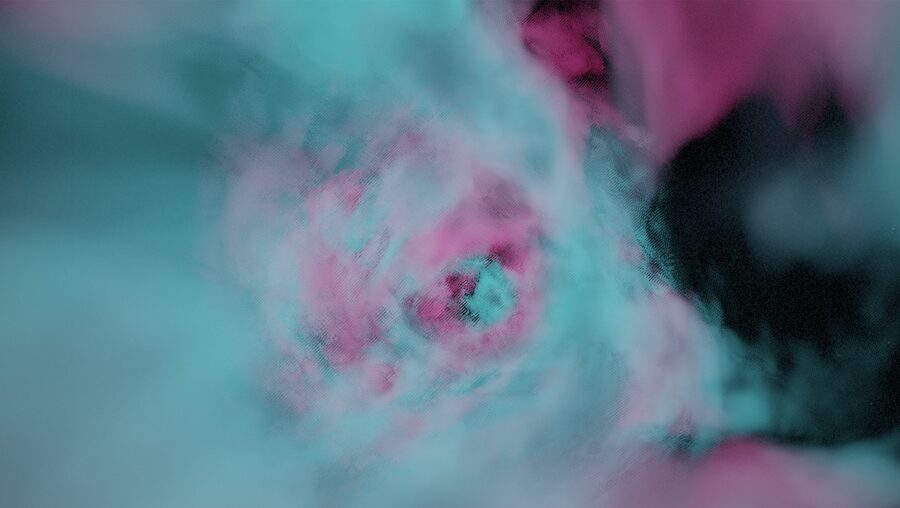
Over seven articles we build a real 64k intro from scratch: 150 seconds of flight through a volumetric nebula with its own soundtrack. The final executable is 11,748 bytes. It contains no textures and no samples; formulas define the whole world. Each part covers one stage of the project, and each stage ends with something you can see or hear.
- The phenomenon and an empty window (this article)
- A volumetric nebula in one shader
- Debugging a shader without a screen
- Noise in one texture fetch
- A synthesizer without samples
- Locking the picture to the music
- 338 KB → 11.7 KB
What the demoscene is
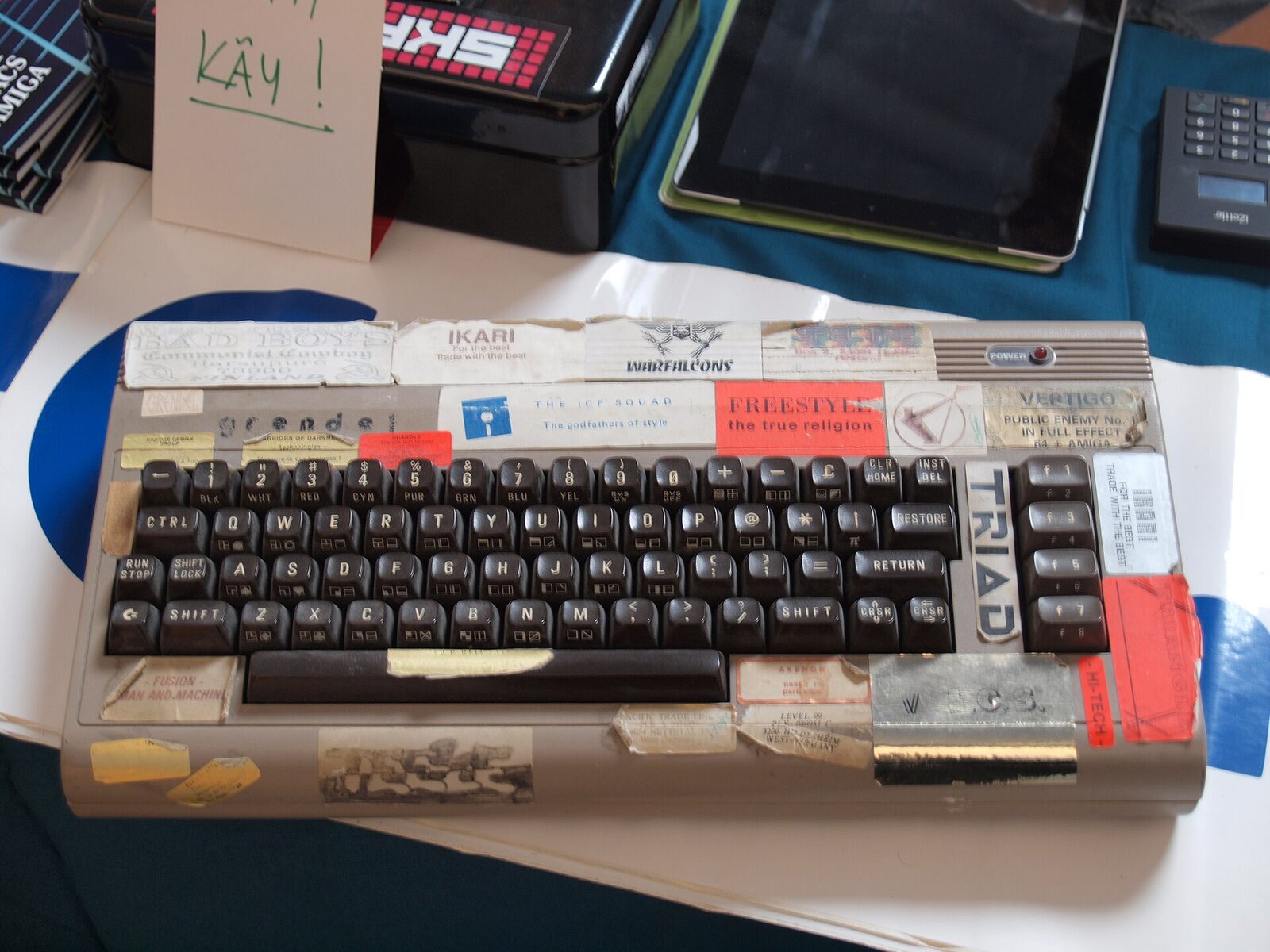
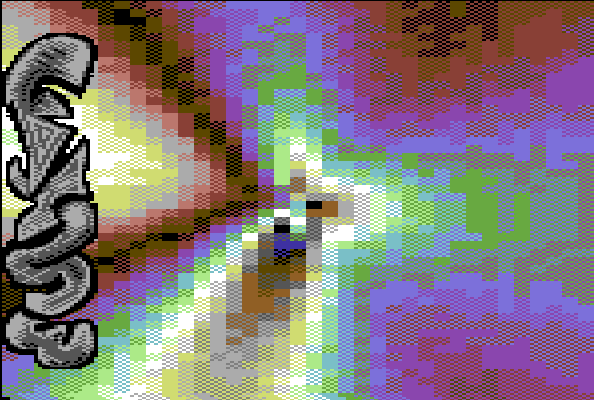
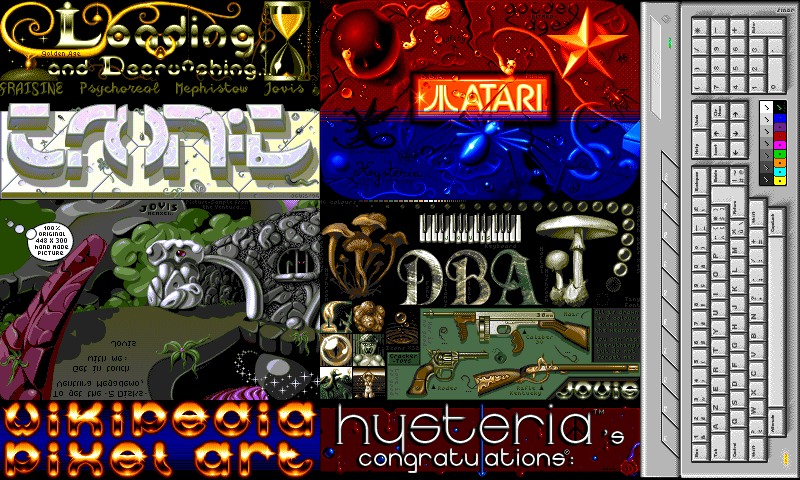
In the mid-1980s, people who cracked games on the Commodore 64, and later the Amiga, started signing their work. Before a cracked game started, a short screen appeared: a cracktro with the group’s logo, a scroller full of greetings to colleagues, and music. The intros began competing over who could do the most impressive effect, and soon separated from cracking altogether. That is how demos appeared: programs that exist for their own sake and show what the machine, and its authors, can do [1].
A subculture with its own vocabulary grew around them:
- Group
- A team with a name and roles: coder, graphician, musician. People go by handles such as iq, ryg, or Chaos.
- Party
- A festival you bring your computer to. Several days in one hall: screenings, seminars, sleeping on the floor.
- Compo
- A competition at a party. Entries are shown on the big screen, and the audience in the hall votes.
- Greetings
- Shout-outs to other groups in the credits. A public map of the scene’s friendships and rivalries.
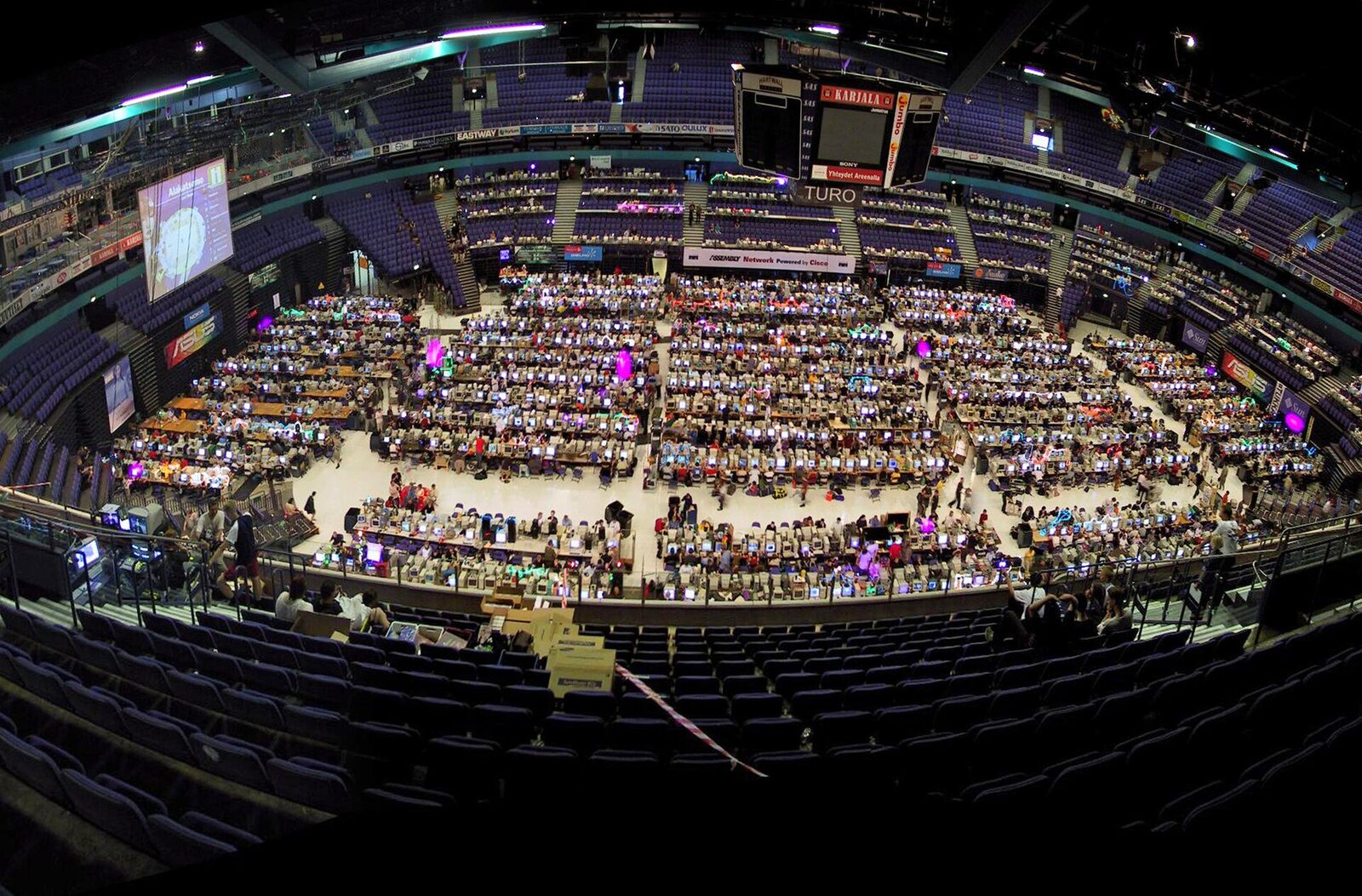
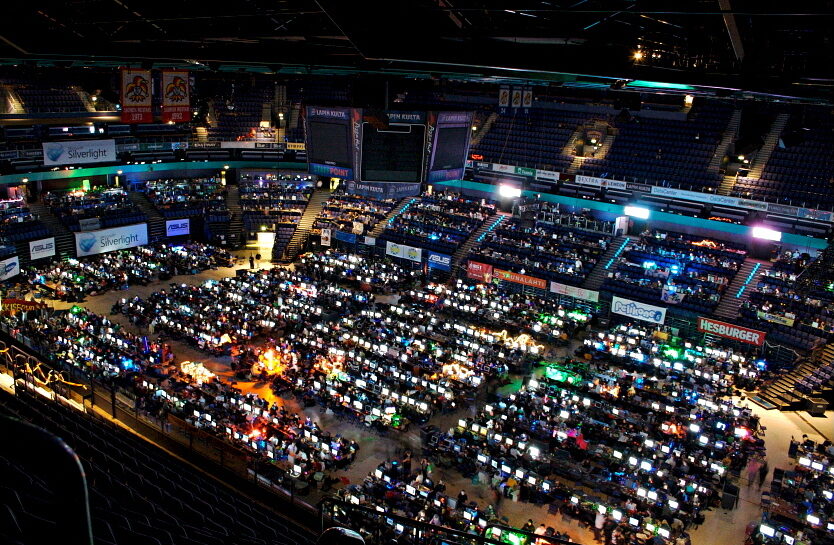
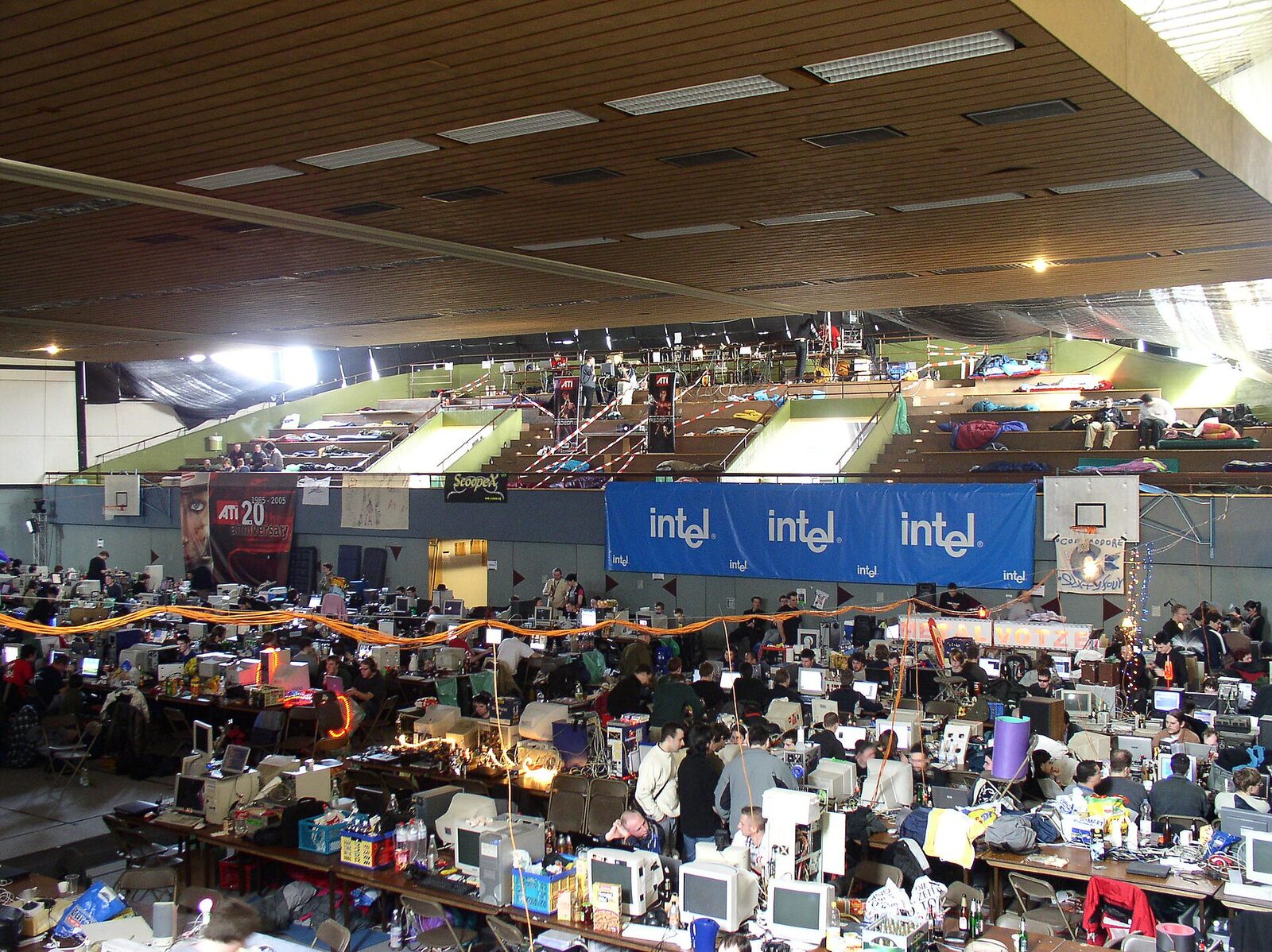
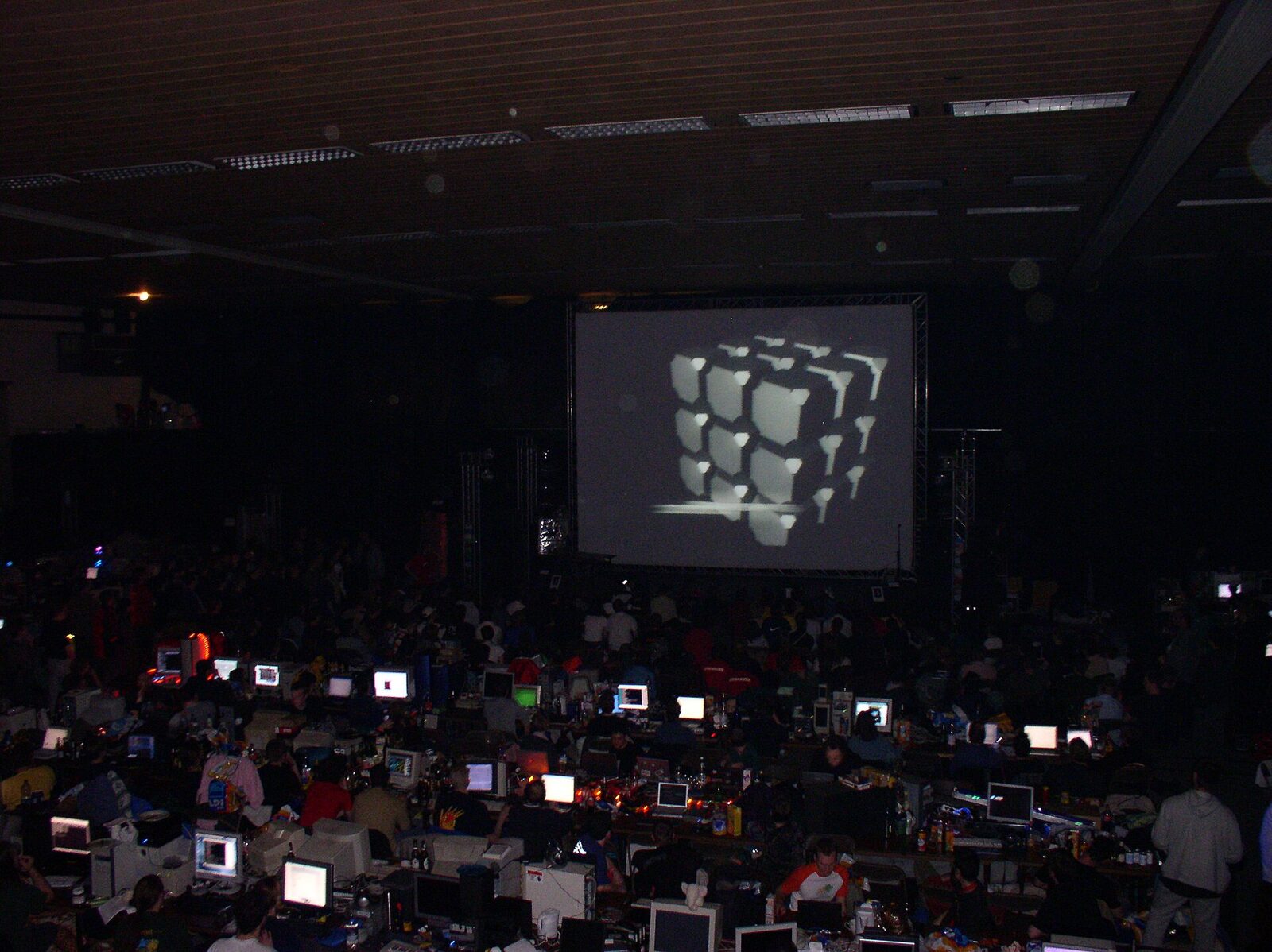
Productions from every party are collected in two large archives, pouët.net and Demozoo. Each production has its compo placing, comments, and a video there.
Constraint as a genre
The scene’s defining feature, and the reason for this series, is its size categories. The limit is not the goal but the rules of the game, like the fourteen lines of a sonnet. Making something smaller does not win; fitting the most impressive thing inside the limit does.
| Category | Limit | What fits |
|---|---|---|
| Demo | none | Story, editing, graphics, and music of any size |
| 64k intro | 65,536 bytes | Several minutes of 3D scenes with a soundtrack, all procedural |
| 4k intro | 4,096 bytes | One or two scenes, usually entirely in a shader, plus a tiny synth |
| 1k, 256b and smaller | 1,024, 256 bytes | One effect in assembly, often for DOS |
64k is our category. It is enough for real direction with scenes, light, and music, yet there is no room for stored data: a single uncompressed 256×256 texture already takes 192 KB. Hence the genre’s central trick: store not the data, but the recipe for producing it [2].
Milestones: from Second Reality to Shadertoy
| Year | Event |
|---|---|
| 1987 | Ultimate Soundtracker on the Amiga: the start of tracker music |
| 1992 | The first Assembly party in Finland |
| 1993 | Second Reality by Future Crew wins Assembly ’93 |
| 2000 | fr-08 “.the .product” by Farbrausch wins the 64k compo at The Party |
| 2003 | The first Breakpoint in Bingen |
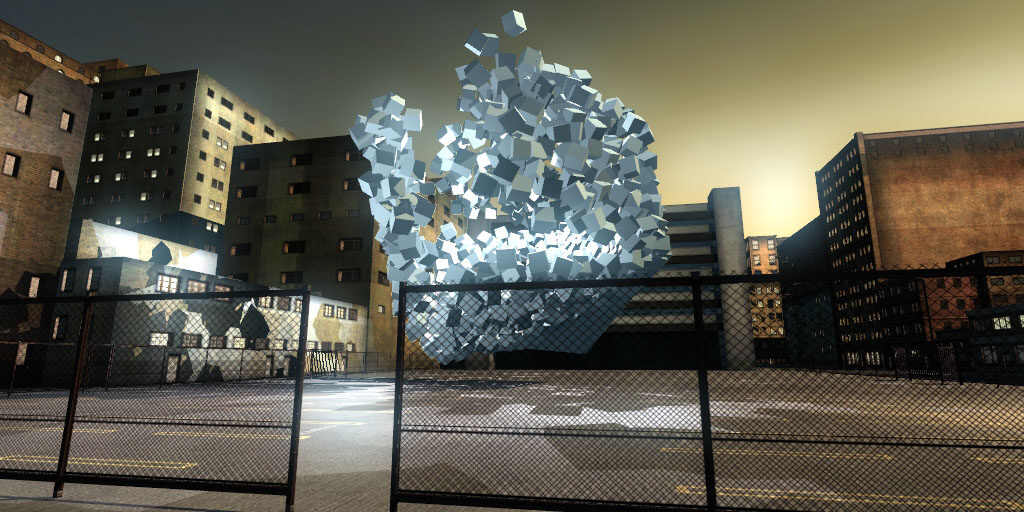
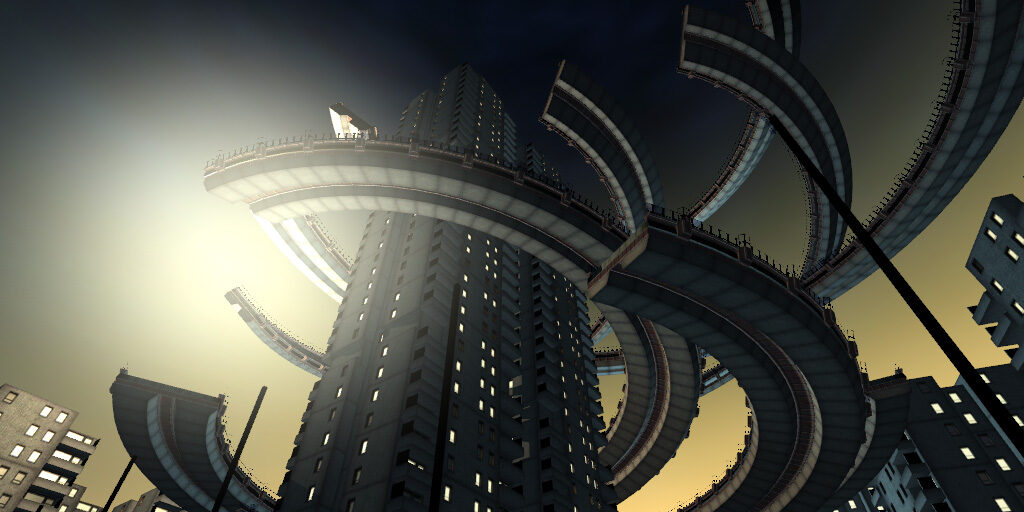
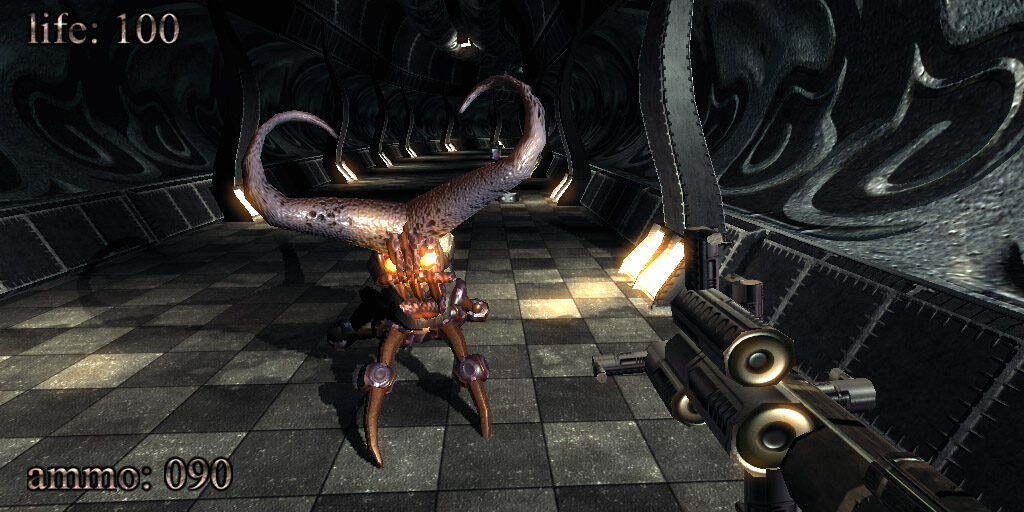
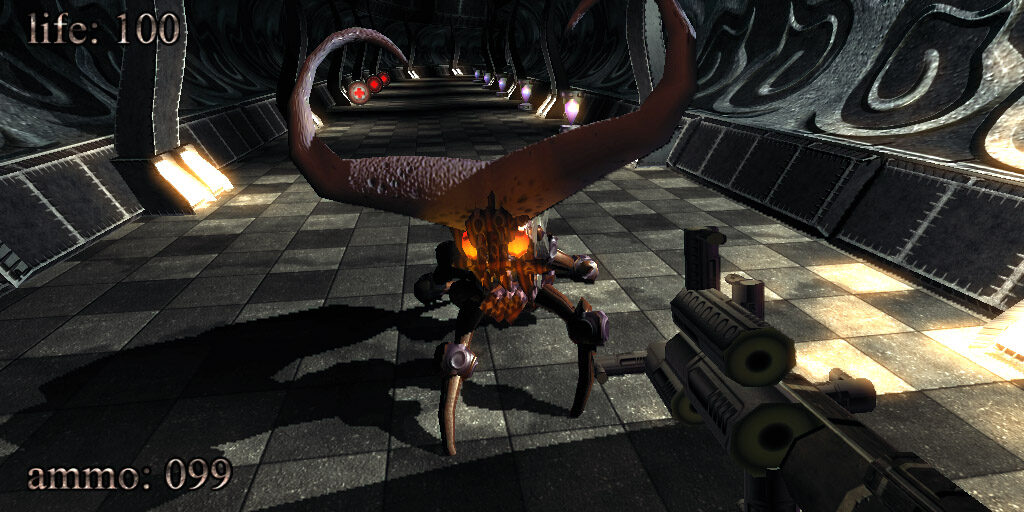
| 2004 | .kkrieger, a shooter in 96 KB, wins at Breakpoint |
| 2009 | Elevated by RGBA and TBC: mountains in 4 KB |
| 2011 | The first Revision in Saarbrücken |
| 2013 | Shadertoy launches |
| 2020 | Finland adds the demoscene to its national list of intangible cultural heritage |
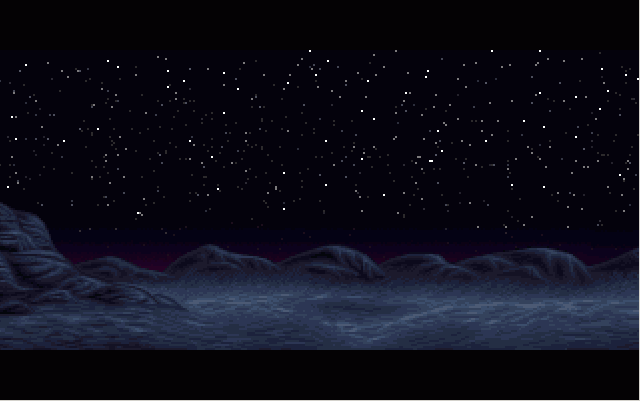
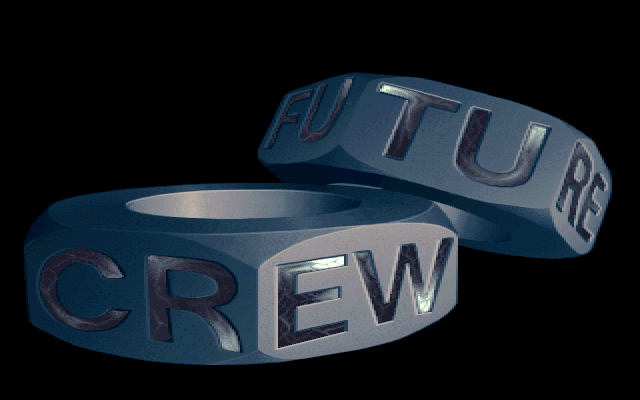
Second Reality (Future Crew, 1993). A PC demo that won Assembly ’93 and became the reason a whole generation took up programming. Slashdot later listed it among the top 10 hacks of all time [3].
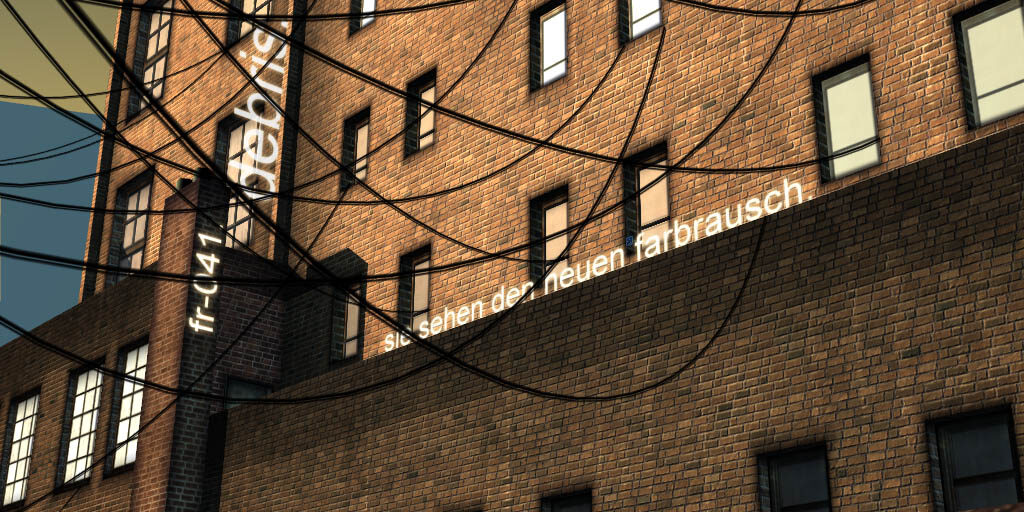
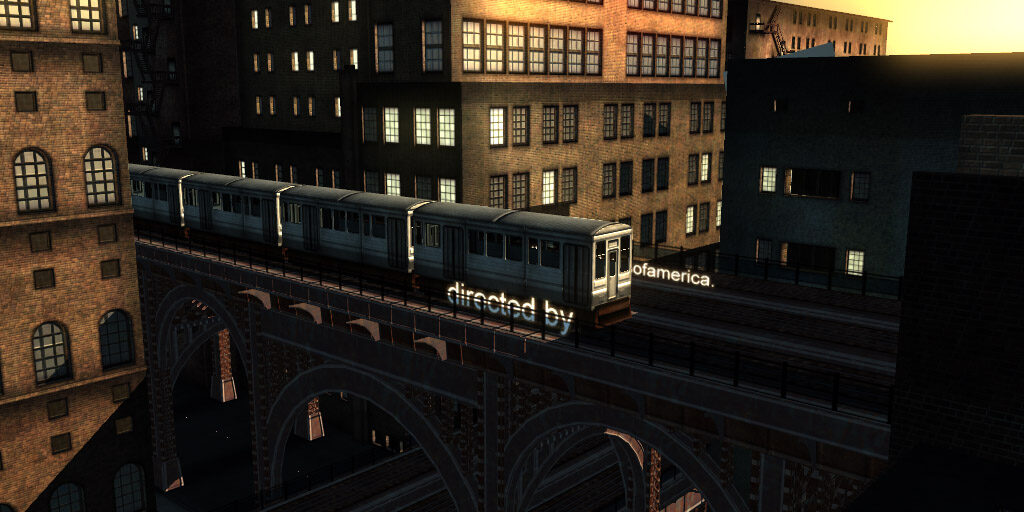
fr-08: .the .product (Farbrausch, 2000). The 64k intro that won The Party 2000. According to its authors, all the code, including the graphics and sound generators, took about 32 KB. For the scene it showed that a 64k could look like a “big” demo [4, 5]. Farbrausch built their intros in their own editor, Werkkzeug: a scene was stored as a graph of operations rather than as images.
.kkrieger (.theprodukkt, 2004). A first-person shooter in 96 KB that won the game competition at Breakpoint 2004. All the levels and textures are generated at startup [6].
Elevated (RGBA and TBC, 2009). The 4k winner at Breakpoint 2009: a flight over mountains, with light and music, in one 4 KB file. One of its authors, Iñigo Quilez (iq), described it as a huge formula that the computer evaluates. His articles on distance functions and ray marching became the textbook for a generation [7].
Shadertoy (2013). Quilez and Pol Jeremias launched a site where you write a shader and run it right in the browser. The scene technique of computing the whole picture in a fragment shader spread far beyond the scene [8].
Gallery: a few productions
Scroll sideways and click any frame to enlarge it; the arrows in the enlarged view move through the whole gallery.
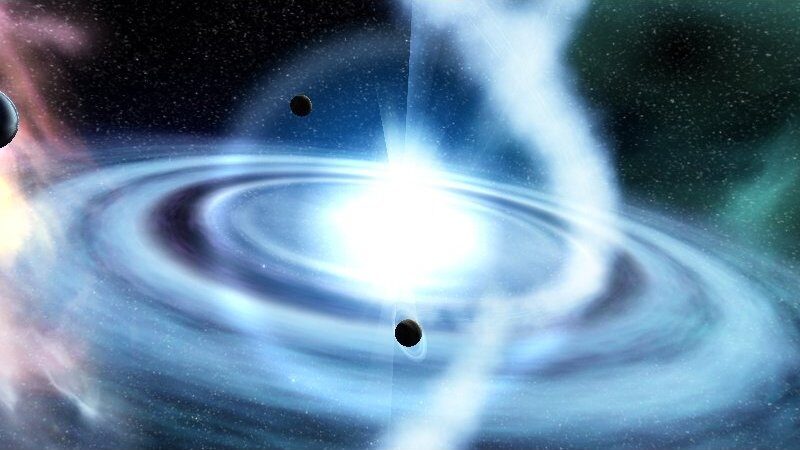

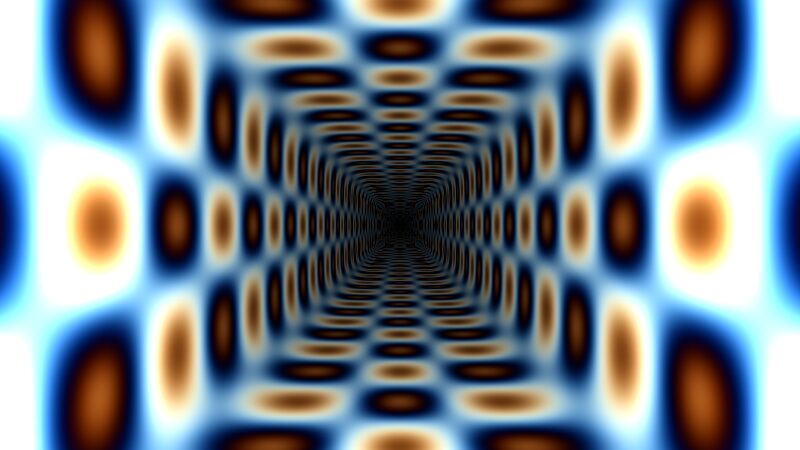
TipWatch at least one
Video explains the demoscene better than anything. A recording of Second Reality or fr-08 on YouTube takes a few minutes and is worth a dozen paragraphs.
Sound: trackers, not MIDI
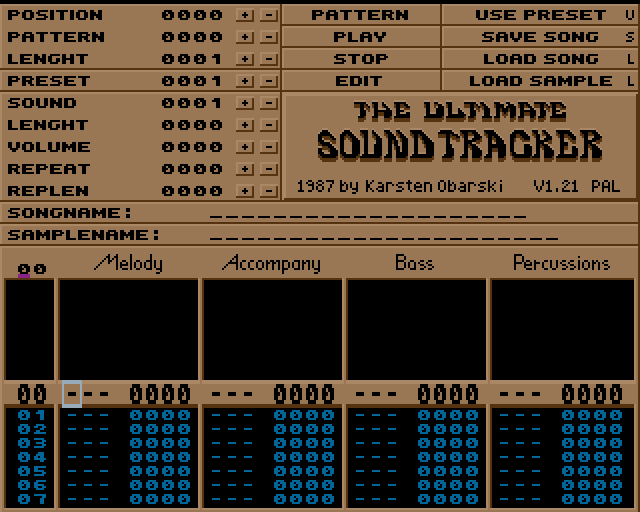
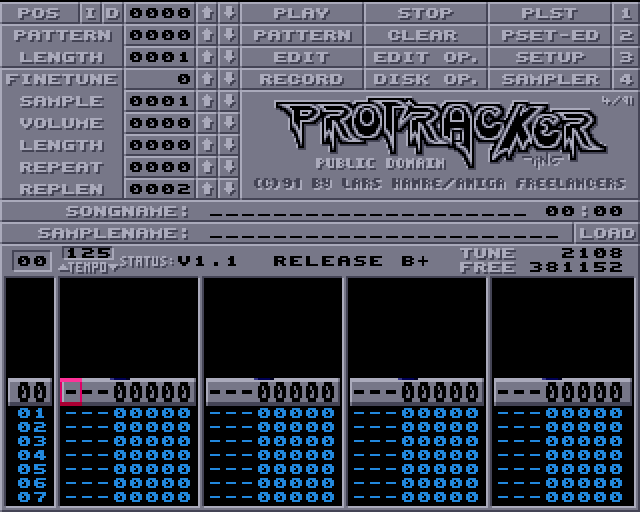
A common myth says intro music is MIDI. It actually grew out of trackers. In 1987 Karsten Obarski released Ultimate Soundtracker on the Amiga: notes are written into a vertical table, the pattern, which scrolls from top to bottom while short samples play. ProTracker, FastTracker 2, and Impulse Tracker followed [9].
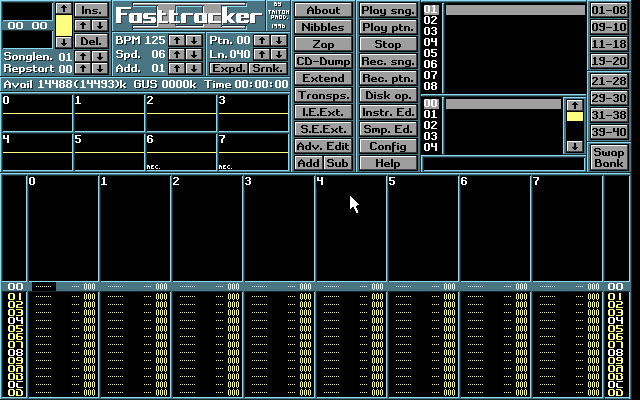
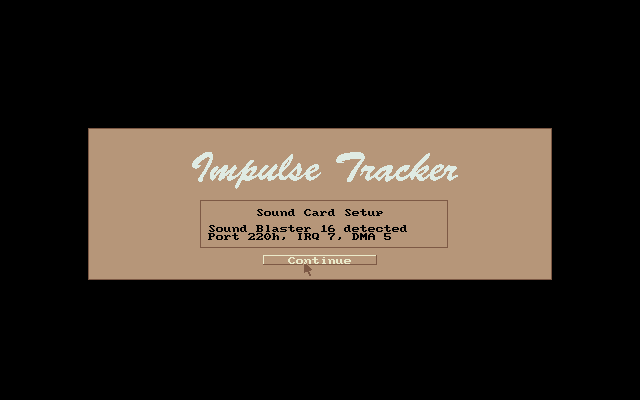
Samples do not fit in a 64k intro, so the music is written as a score and the sound is synthesized on the fly by the intro’s own synthesizer. Farbrausch had the famous V2. Ours arrives in part 5.
How a world fits in 64 KB
| Technique | Idea | Part |
|---|---|---|
| Procedural graphics | Noise and formulas instead of textures and models | 2, 4 |
| Precalc | Data is generated at startup | 4 |
| Software synth | Sound from a score, no samples | 5 |
| Minimal runtime | No standard library | 7 |
| Packer | The file unpacks itself | 7 |
Packers deserve a word of their own. kkrunchy by Fabian Giesen (ryg of Farbrausch) was made specifically for 64k intros [10]. Crinkler is a “compressing linker” for 4k that produces an already compressed executable [11]. Neither exists for macOS, and in part 7 we make do with what the system provides.
The scene today
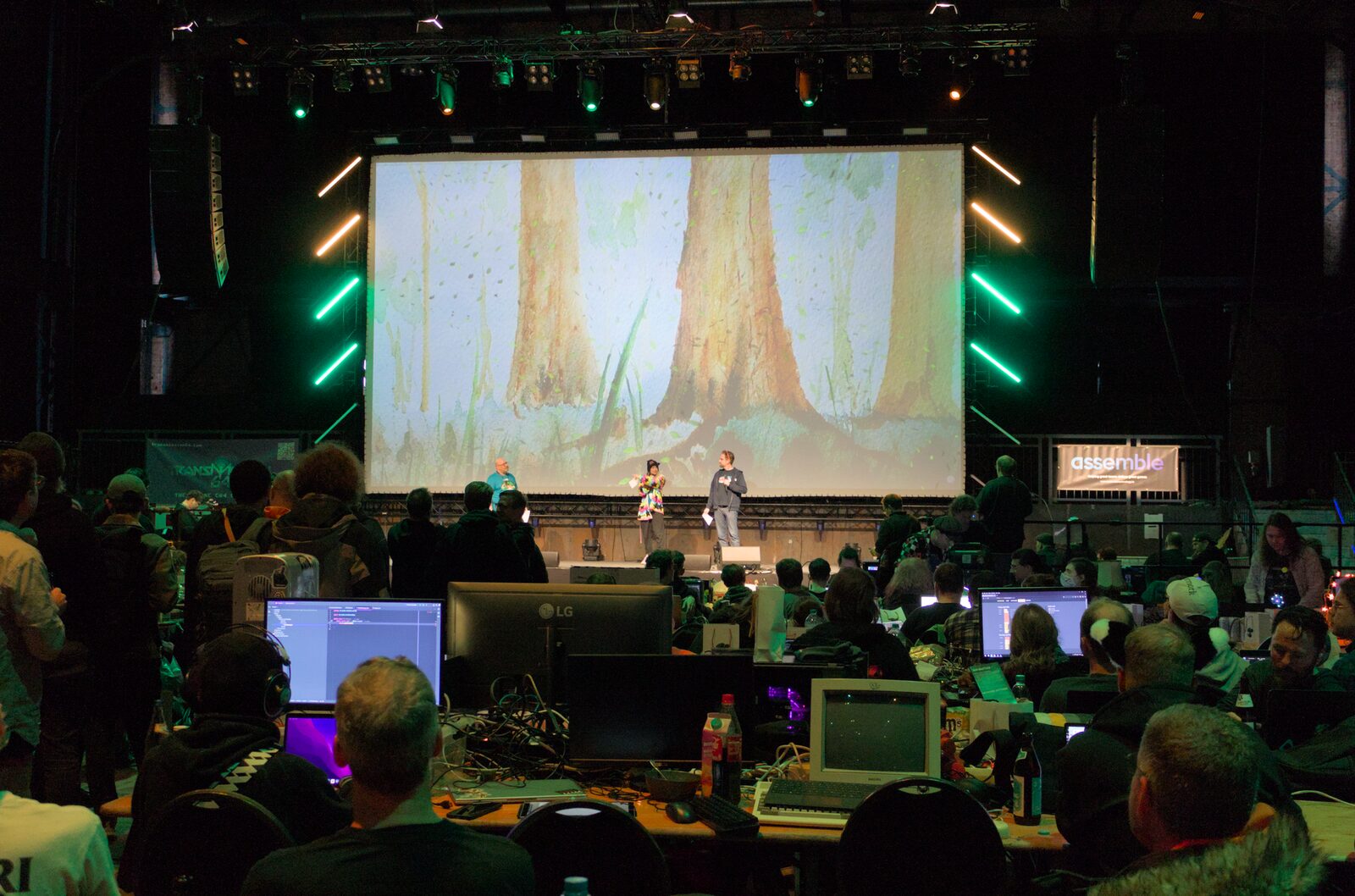
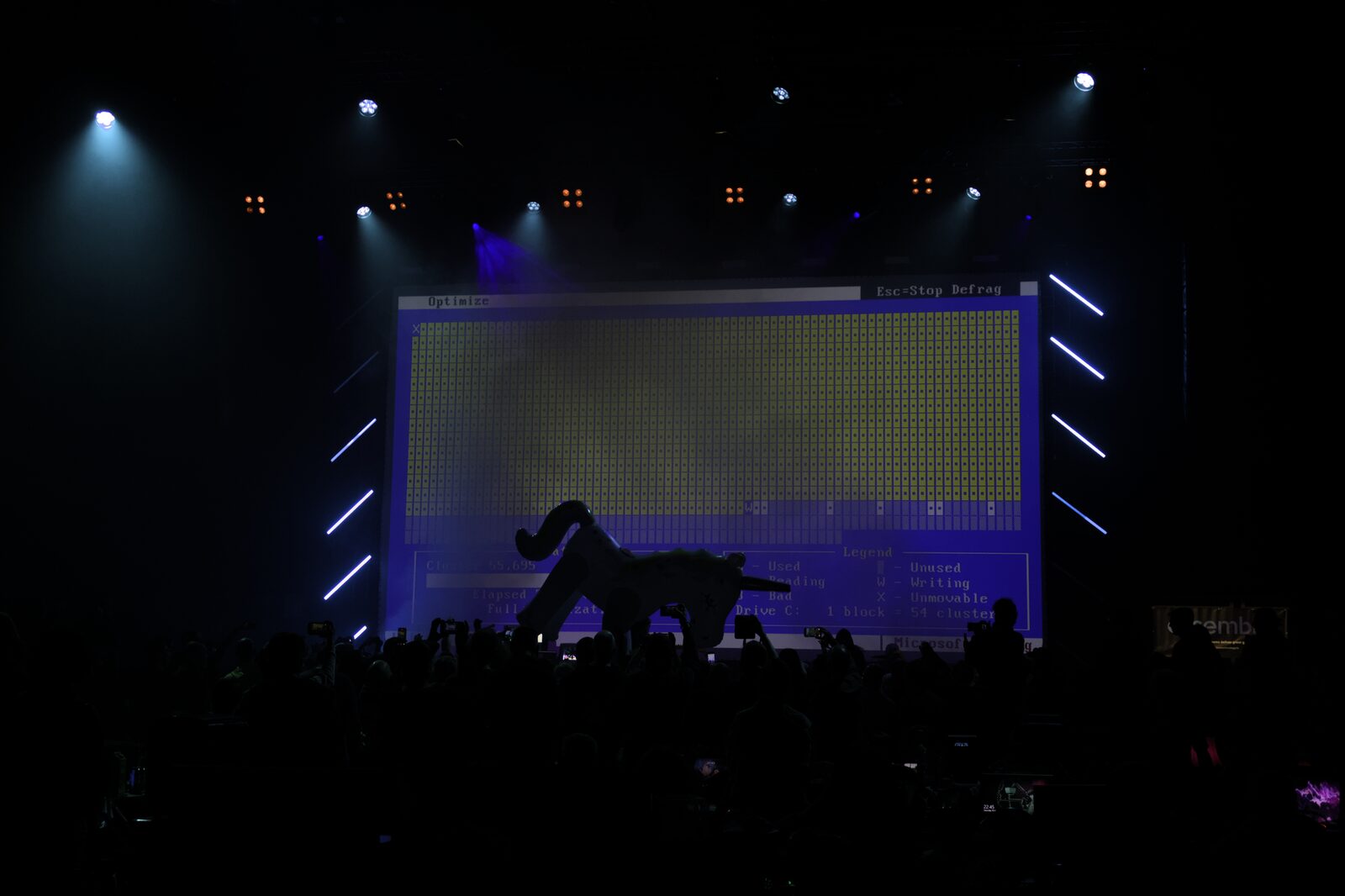
The scene is alive. The largest party, Revision, gathers hundreds of people in Saarbrücken every Easter. It continues the tradition of Breakpoint, which ran in Bingen from 2003 to 2010 [12]. Since 2020 the Art of Coding initiative has been working to have the demoscene recognized as cultural heritage. Finland added it to its national list first (April 2020), followed by Germany (2021) and several other European countries. Inscription on UNESCO’s international list remains the campaign’s goal [13].
Our project: star_fabric 64K
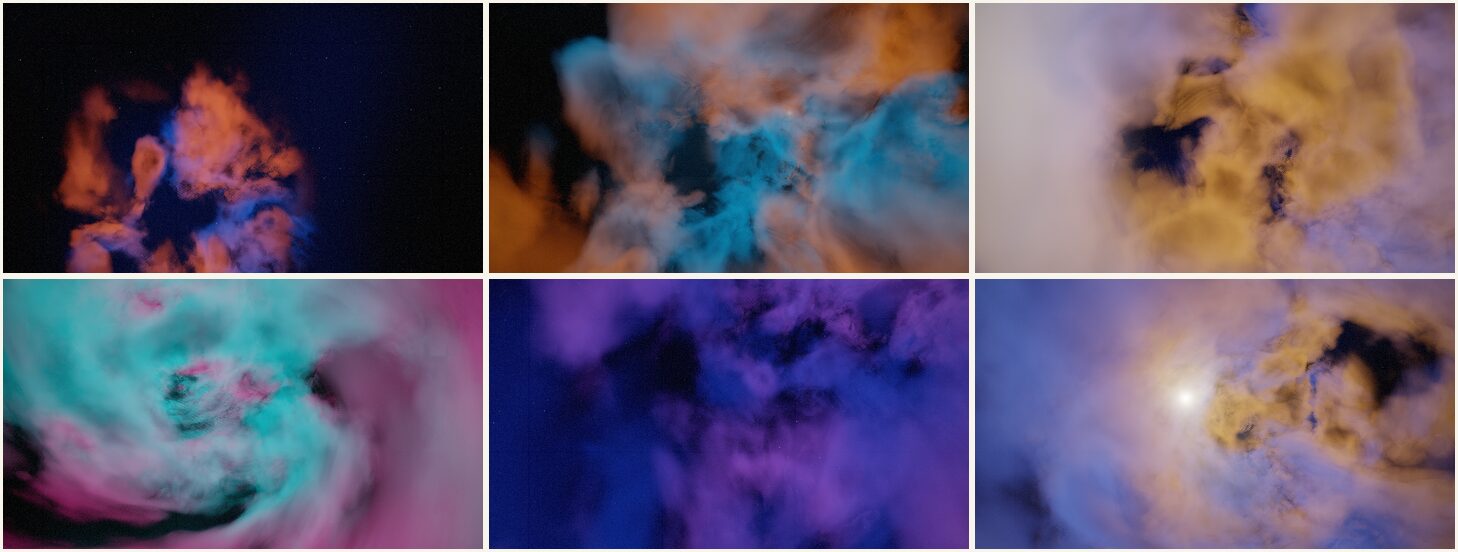
The goal of the series is to do in 2026 what people did in 2000, on modern hardware: a nebula with a camera flying through it, light, and music, all within the 64k limit.
| Parameter | Value |
|---|---|
| Length | 150 seconds, 5 scenes |
| Platform | Apple Silicon (M1), macOS, Metal |
| Languages | Rust 1.99, Metal Shading Language |
| Graphics | Volumetric ray marching in a single fragment shader |
| Sound | Custom synthesizer, 96 BPM, the track is computed at startup |
| Final size | 11,748 bytes (limit 65,536) |
| Scene | Time | What happens |
|---|---|---|
| 0 · Awakening | 0–25 s | Darkness and stars; a cloud drifts out of the distance. Only the pad and bells play |
| 1 · Entry | 25–55 s | The camera flies into the gas; kick and bass come in |
| 2 · Core | 55–90 s | A bright star lights up the gas; the full rhythm |
| 3 · Flow | 90–125 s | Speed, twisted strands, magenta and teal |
| 4 · Exit | 125–150 s | A violet finale; the music fades |
Here is the whole project at a glance. We will build every block on this diagram one at a time:
Why Rust
64k intros are usually written in C or C++. Rust was chosen for one capability we need in part 7: you can drop the standard library entirely (#![no_std]) and still keep types, modules, and tests. For now we write comfortably, with the standard library and the ready-made objc2 bindings for AppKit and Metal [14]. We shrink at the end, once everything works.
Step 1. An empty window
A macOS application starts with NSApplication, the shared object that owns the event loop. We tell it we are a regular application with a Dock icon, create a window, and start the loop.
sequenceDiagram
  participant M as main()
  participant A as NSApplication
  participant W as NSWindow
  M->>A: sharedApplication()
  M->>A: setActivationPolicy(Regular)
  M->>W: initWithContentRect(1280×720, style)
  M->>W: setTitle, center, makeKeyAndOrderFront
  M->>A: activate(), run()
  Note over A: event loop:<br/>run() never returns
src/main.rs (abridged)
1let mtm = MainThreadMarker::new().expect("must run on main thread");
let app = NSApplication::sharedApplication(mtm);
2app.setActivationPolicy(NSApplicationActivationPolicy::Regular);

let rect = NSRect::new(NSPoint::new(0.0, 0.0), NSSize::new(1280.0, 720.0));
let style = NSWindowStyleMask::Titled
    | NSWindowStyleMask::Closable
    | NSWindowStyleMask::Miniaturizable
    | NSWindowStyleMask::Resizable;
let window = unsafe {
    NSWindow::initWithContentRect_styleMask_backing_defer(
        NSWindow::alloc(mtm), rect, style, NSBackingStoreType::Buffered, false)
};
3unsafe { window.setReleasedWhenClosed(false) };

window.setTitle(ns_string!("star_fabric 64K"));
window.center();
window.makeKeyAndOrderFront(None);
app.activate();
4app.run();- 1
-
AppKit may only be touched from the main thread.
objc2asks us to prove it with aMainThreadMarkervalue. - 2
- Without this, a process started from the terminal gets no Dock icon and no focus.
- 3
- The window lives for the whole run, so closing it must not free it.
- 4
-
run()hands control to the event loop and never returns.
At this stage the dependencies are only the bindings:
Cargo.toml
[dependencies]
objc2 = "0.6"
objc2-foundation = { version = "0.3", features = ["NSString"] }
objc2-app-kit    = { version = "0.3", features = ["NSApplication", "NSWindow"] }
objc2-metal      = { version = "0.3.2", features = ["MTLDevice"] }
objc2-metal-kit  = { version = "0.3.2", features = ["MTKView"] }

[profile.release]
opt-level = "z"     # optimize for size
lto = true
codegen-units = 1
panic = "abort"
strip = true
The result: cargo run opens a black window titled “star_fabric 64K”. It is only a window for now, but it is everything we need to attach the GPU to.
Step 2. A demo is a function of time
An intro has no plot in the usual sense: every frame depends only on the time t. So the script can be written as a function, and it is worth starting there, before any graphics.
src/lib.rs (abridged)
#![no_std]                                  // the library never needed std

pub const DEMO_DURATION: f32 = 150.0;
/// Scene boundaries in seconds: scene i spans SCENES[i]..SCENES[i + 1].
pub const SCENES: [f32; 6] = [0.0, 25.0, 55.0, 90.0, 125.0, DEMO_DURATION];
/// Seconds over which one scene morphs into the next.
const MORPH: f32 = 3.0;

pub struct Frame {
    pub time: f32,
    pub scene: u32,
    pub phase: f32,      // continuous scene index: 0.0 … 4.0
    pub intensity: f32,  // master brightness: fades at the start and the end
    pub camera_speed: f32,
}

pub fn timeline(time: f32) -> Frame {
    let t = clamp(time, 0.0, DEMO_DURATION);
    let scene = /* index i such that SCENES[i] <= t < SCENES[i + 1] */;
    let phase = if scene < 4 {
        let end = SCENES[scene as usize + 1];
        scene as f32 + smoothstep(end - MORPH, end, t)
    } else {
        4.0
    };
    // ...
}
The key idea here is the continuous phase. The scene number is an integer, but phase equals it almost all the time and only in the last three seconds of a scene rises smoothly towards the next number:
\text{phase}(t) = i + \operatorname{smoothstep}(e_i - 3,\; e_i,\; t), \qquad \operatorname{smoothstep}(a,b,x) = s^2(3-2s),\; s = \operatorname{clamp}\!\left(\tfrac{x-a}{b-a}, 0, 1\right)
where e_i is the end of scene i. The shader receives a fractional phase such as 2.4 and blends the parameters of scenes 2 and 3 in a 60/40 ratio. Scene changes become morphs rather than cuts.
Functions like this are easy to test, and these are the project’s first tests:
src/lib.rs
#[test]
fn phase_is_continuous() {
    assert_eq!(timeline(10.0).phase, 0.0);
    assert_eq!(timeline(24.999).phase.round(), 1.0); // almost 1 at the end of a scene
    assert_eq!(timeline(25.0).phase, 1.0);
    assert_eq!(timeline(149.0).phase, 4.0);
}
TipNext
We have a window and we have time. In the next part we teach the GPU to draw: connect Metal, cast a ray through a pixel, and grow a nebula out of it step by step.
Series: Demoscene 2026
Part 1 of 7 · suggested reading order
Next: A nebula from nothing: volumetric ray marching in one fragment shader
References
[1]
Wikipedia contributors. Demoscene. https://en.wikipedia.org/wiki/Demoscene
[2]
[3]
Wikipedia contributors. Second Reality. https://en.wikipedia.org/wiki/Second_Reality
[4]
Adok. Making of fr-08: .the .product. Hugi. https://www.hugi.scene.org/online/coding/hugi%2022%20-%20adfr08.htm
[5]
Wikipedia contributors. Farbrausch. https://en.wikipedia.org/wiki/Farbrausch
[6]
Wikipedia contributors. .kkrieger. https://en.wikipedia.org/wiki/.kkrieger
[7]
Quilez I. Raymarching distance fields. 2008. https://iquilezles.org/articles/raymarchingdf/
[8]
Wikipedia contributors. Shadertoy. https://en.wikipedia.org/wiki/Shadertoy
[9]
Wikipedia contributors. MOD (file format). https://en.wikipedia.org/wiki/MOD_(file_format)
[10]
Giesen F. kkrunchy. https://www.farbrausch.de/~fg/kkrunchy/
[11]
Christensen A. S. and Stubbe R. L. H. Crinkler: a compressing linker for Windows. https://github.com/runestubbe/Crinkler
[12]
Wikipedia contributors. Revision (demoparty). https://en.wikipedia.org/wiki/Revision_(demoparty)
[13]
Art of Coding. Demoscene – the Art of Coding. https://demoscene-the-art-of-coding.net/
[14]
Marquart M. objc2: Bindings to the Objective-C runtime and Apple frameworks. https://github.com/madsmtm/objc2
NoteImage credits
The photos and screenshots above come from Wikimedia Commons and are used under the licenses listed below. They were resized and converted for the web; the originals are at the source links. The frames from star_fabric 64K are our own.
| Image | Author | License | Source |
|---|---|---|---|
c64.jpg |
JIP | CC BY-SA 3.0 | Wikimedia Commons |
c64-demo.png |
Unknown (see source) | Public domain | Wikimedia Commons |
atari-st-pixel-art.png |
Dpla-fr | CC BY-SA 4.0 | Wikimedia Commons |
party-assembly-2002.jpg |
Jone (Joneikifi) | CC BY-SA 3.0 | Wikimedia Commons |
party-assembly-2008.jpg |
Maria Morri | CC BY-SA 2.0 | Wikimedia Commons |
party-breakpoint-2005.jpg |
blane | Public domain | Wikimedia Commons |
compo-breakpoint-2005.jpg |
Blane at German Wikipedia | Public domain | Wikimedia Commons |
demo-second-reality-1.png |
Future Crew | Public domain | Wikimedia Commons |
demo-second-reality-2.png |
Future Crew | Public domain | Wikimedia Commons |
demo-debris-01.jpg |
Farbrausch | BSD | Wikimedia Commons |
demo-debris-03.jpg |
Farbrausch | BSD | Wikimedia Commons |
demo-debris-05.jpg |
Farbrausch | BSD | Wikimedia Commons |
demo-debris-09.jpg |
Farbrausch | BSD | Wikimedia Commons |
demo-kkrieger-1.jpg |
.theprodukkt (a former subdivision of Farbrausch) | BSD | Wikimedia Commons |
demo-kkrieger-2.jpg |
.theprodukkt (a former subdivision of Farbrausch) | BSD | Wikimedia Commons |
demo-beyond.jpg |
Gargaj | CC BY-SA 2.5 | Wikimedia Commons |
demo-pocket-safari.png |
Tim ‘Avatar’ Bartel/Black Maiden | CC BY-SA 3.0 | Wikimedia Commons |
demo-shadertoy-tunnel.jpg |
Inigo.quilez | CC BY-SA 4.0 | Wikimedia Commons |
tracker-ultimate-soundtracker.png |
Javier Perez Montes | CC BY-SA 4.0 | Wikimedia Commons |
tracker-protracker.png |
Javier Perez Montes | CC BY-SA 4.0 | Wikimedia Commons |
tracker-fasttracker2.png |
Javier Perez Montes | CC BY-SA 4.0 | Wikimedia Commons |
tracker-impulse.png |
Javier Perez Montes | CC BY-SA 4.0 | Wikimedia Commons |
revision-2025-opening.jpg |
OpenCatMap | CC BY 4.0 | Wikimedia Commons |
revision-2025-concert.jpg |
Memdmp | CC0 | Wikimedia Commons |


